
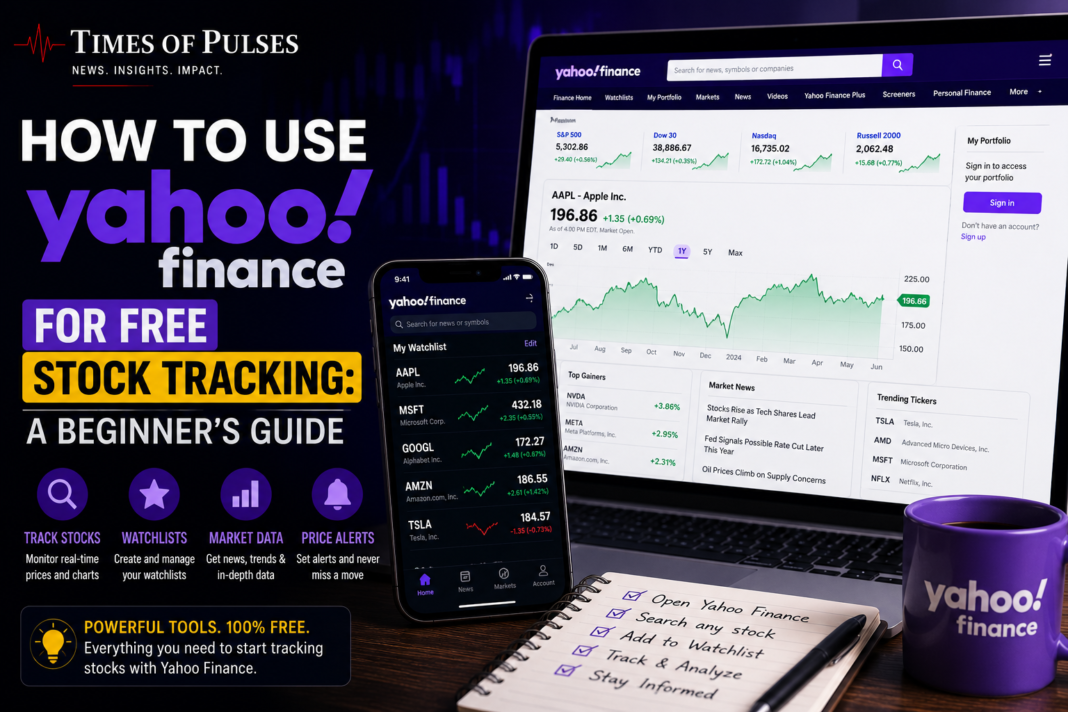
How to Use Yahoo Finance for Free Stock Tracking: A Beginner’s Guide
If you’re looking for a genuinely free way to track stocks without paying for a premium platform, learning how to use Yahoo Finance is one of the best places to start. It’s one of the most visited financial websites in the world, and its core tracking tools cost nothing to use. Here’s a practical, step-by-step guide to how to use Yahoo Finance to monitor your investments like a more experienced investor.
Why How to Use Yahoo Finance Is Worth Learning as a Beginner
Before diving into the steps, it’s worth understanding why this platform is such a common recommendation. Yahoo Finance combines real-time stock quotes, news, watchlists, and portfolio tracking in one place, entirely free, which is a genuinely rare combination compared to platforms that charge for real-time data or advanced charting tools. If you’ve read our guide on how to start investing online, Yahoo Finance is a natural next step for actually monitoring the investments you make.
Step 1: Create Your Free Account
While you can view basic stock quotes on Yahoo Finance without an account, creating a free Yahoo account unlocks the personalized tools that make it genuinely useful:
- Go to finance.yahoo.com
- Click “Sign In” and create a free Yahoo account if you don’t already have one
- Once logged in, you’ll have access to “My Portfolio,” Yahoo Finance’s toolkit for tracking stocks you own or are watching
Step 2: Understand the Difference Between Watchlists and Portfolios
This is one of the most important things to understand in how to use Yahoo Finance effectively, since the two tools serve different purposes:
- Watchlists are for stocks you want to monitor but don’t necessarily own — useful for researching potential investments or following companies you’re curious about
- Portfolios are designed to track stocks, ETFs, and other securities you actually hold, calculating your real day gain and total gain automatically based on the purchase price and quantity you enter
Most beginners benefit from setting up both: a watchlist for research and a portfolio for tracking their actual holdings.
Step 3: Build Your First Watchlist
- Search for a stock, ETF, or mutual fund using the search bar at the top of the page — you can type either the company name or its ticker symbol
- Once you’re on the stock’s detail page, look for the “Add to Watchlist” or “Add/Delete” button, typically near the top right of the page
- Repeat this process for every stock or fund you want to track
- From the Watchlist tab, you can create custom categories to organize your list by strategy, sector, or any grouping that makes sense to you
Step 4: Customize Your Data View
A big part of learning how to use Yahoo Finance well is knowing you can control exactly what data you see:
- On your watchlist or portfolio page, look for the “Edit Columns” or “Customize” option, usually near the top of the list
- Select which columns matter most to you — price, daily change, volume, market capitalization, P/E ratio, and more are all available
- Arrange columns in your preferred order so the most important data is easiest to scan at a glance
Step 5: Set Up “My Portfolio” for Real Holdings
If you actually own stocks and want to track real performance:
- Navigate to the “My Portfolio” section
- Create a new portfolio and manually enter your holdings — including the stock, purchase price, and number of shares
- Yahoo Finance will automatically calculate your day gain and total gain based on current market prices
- Some brokerage accounts can also be linked directly, allowing your actual holdings and balances to sync automatically rather than requiring manual entry
Step 6: Explore Yahoo Finance’s Curated Watchlists
Beyond your own custom lists, Yahoo Finance also publishes its own curated watchlists tracking specific sectors, market trends, or investment themes. These can be a useful starting point for research, though they shouldn’t replace your own due diligence before actually investing in anything you find there.
What Yahoo Finance Is Good For (And What It Isn’t)
Understanding how to use Yahoo Finance also means understanding its limits:
Good for:
- Free, real-time-ish stock quotes and basic charting
- Staying current on financial news relevant to your holdings
- Simple, no-cost portfolio and watchlist tracking
- Getting a broad market overview in one place
Not designed for:
- Actually executing trades — Yahoo Finance is a tracking and research tool, not a brokerage. To move from watching to trading, you’ll still need a funded brokerage account
- Advanced technical analysis tools that dedicated trading platforms offer
- Guaranteed real-time data on every exchange (some quotes may be slightly delayed depending on the market)
What You Should Actually Do This Week
- Create your free Yahoo Finance account if you haven’t already
- Build one watchlist with 5-10 stocks or funds you’re genuinely interested in following
- If you already own investments, set up a portfolio and enter your actual holdings to start tracking real performance
- Customize your columns to show the data points that actually matter for your investing approach
- Check in weekly, not daily — as we’ve discussed in our guide to building a portfolio from zero, checking too frequently often leads to reactive, emotional decisions rather than sound long-term investing
Bottom Line
Learning how to use Yahoo Finance costs nothing and takes less than 15 minutes to get set up, yet it gives you genuinely useful tools that used to require paid subscriptions not long ago. Whether you’re researching potential investments through a watchlist or tracking real holdings through a portfolio, it’s one of the most practical free tools available for a beginner investor to build the habit of monitoring their money without needing to pay for premium software.
This article is for informational and educational purposes only and does not constitute investment advice. Yahoo Finance is a third-party platform not affiliated with this website; verify current features directly on their site, as tools and interfaces may change over time.